# 信用卡功能指南
**新手快速入门:如何体验信用卡支付?**
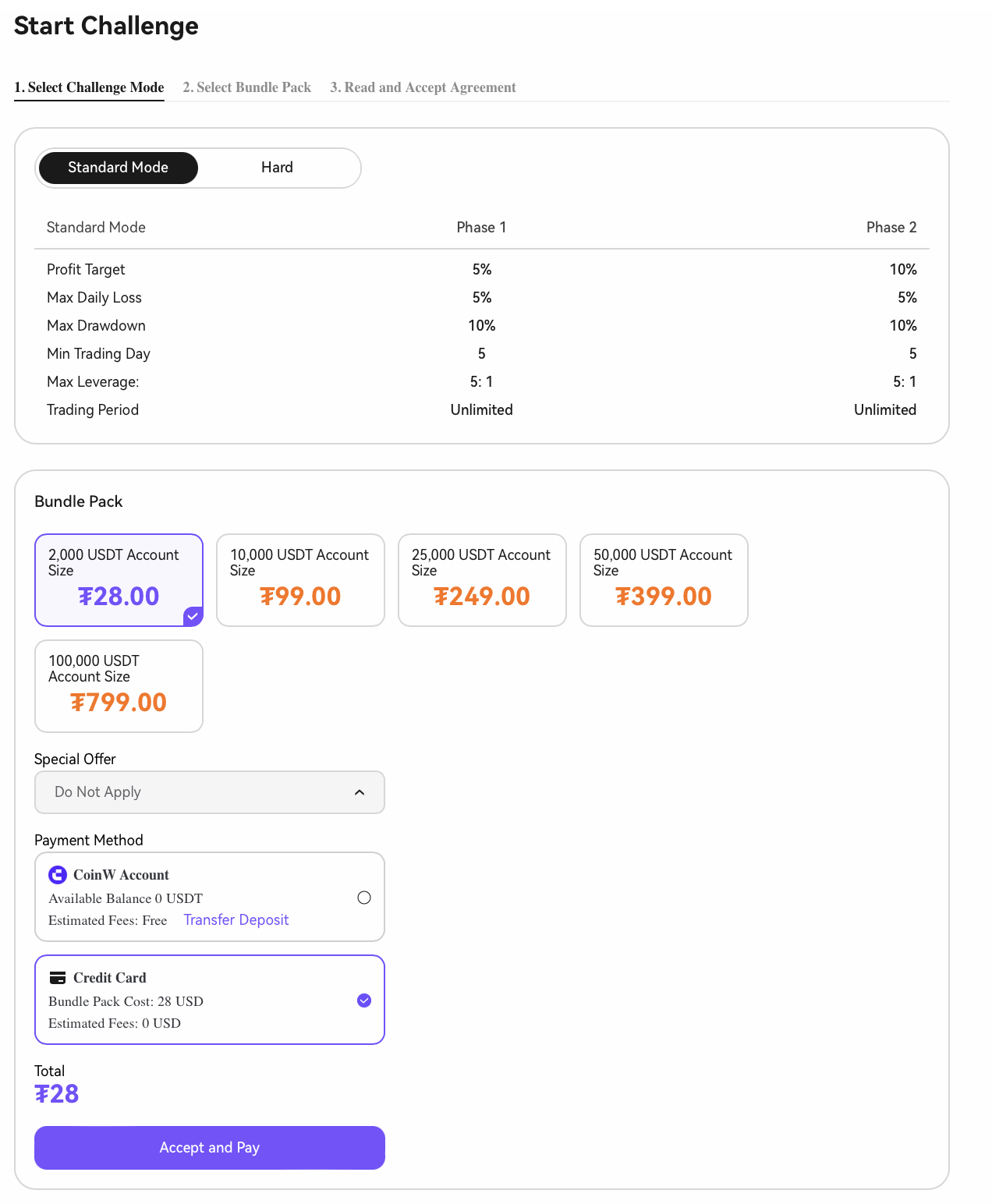
**1. 开始挑战 – 启动一个新的挑战轮次**
**2. 进入注册页面 → 选择 \[信用卡]**
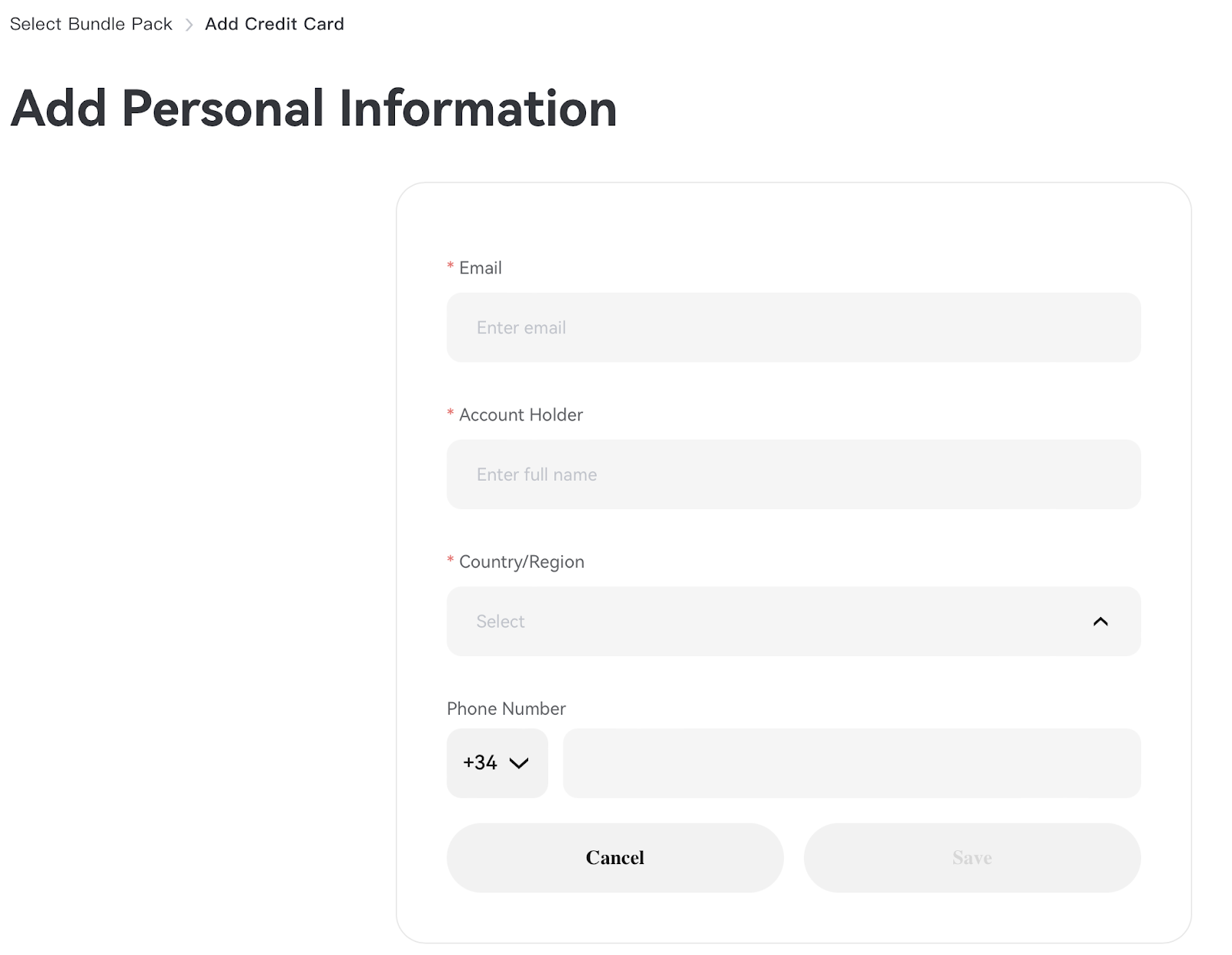
**3. 输入个人信息(*****仅首次绑定时需要*****)**
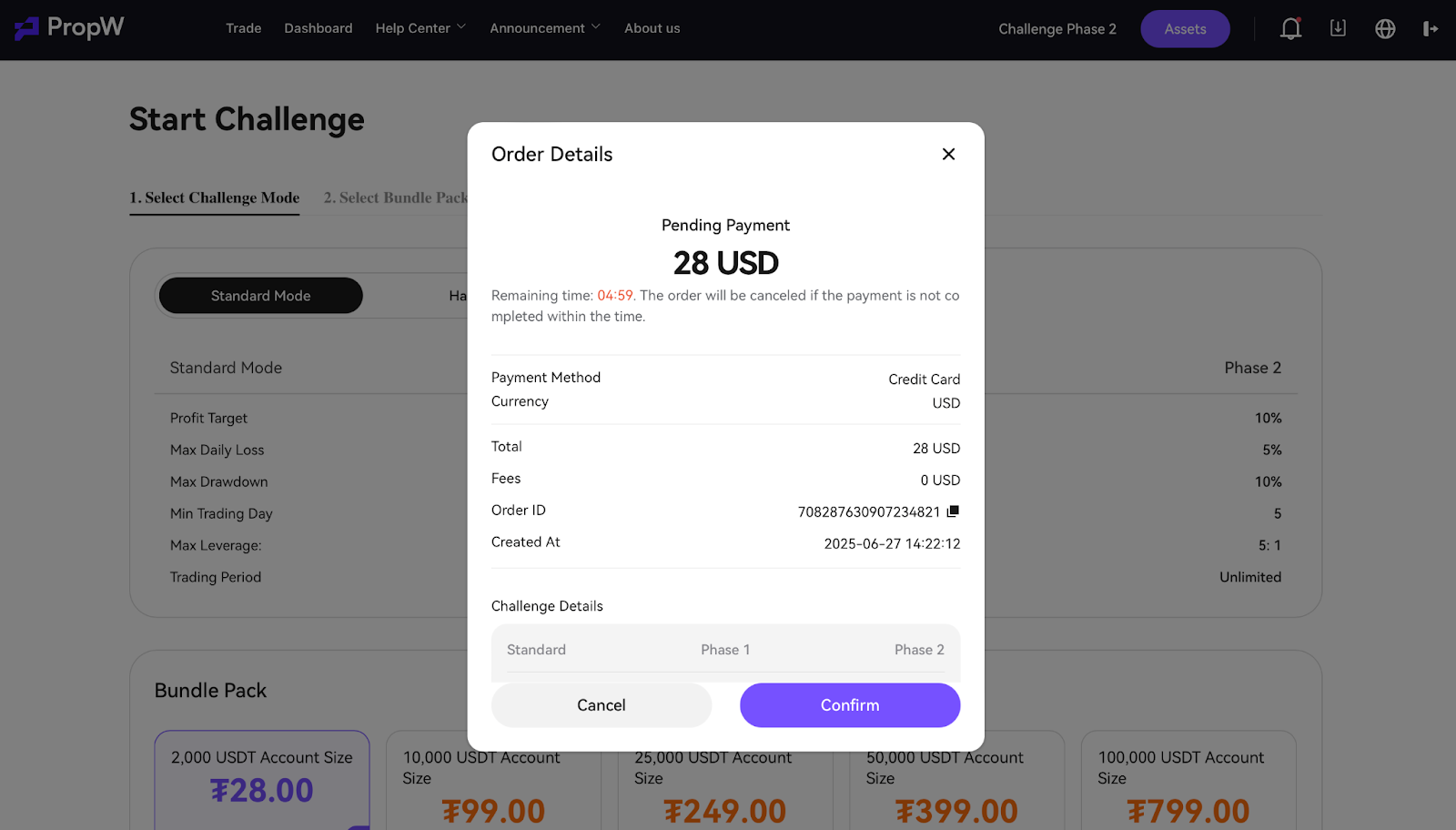
**4. 确认支付**
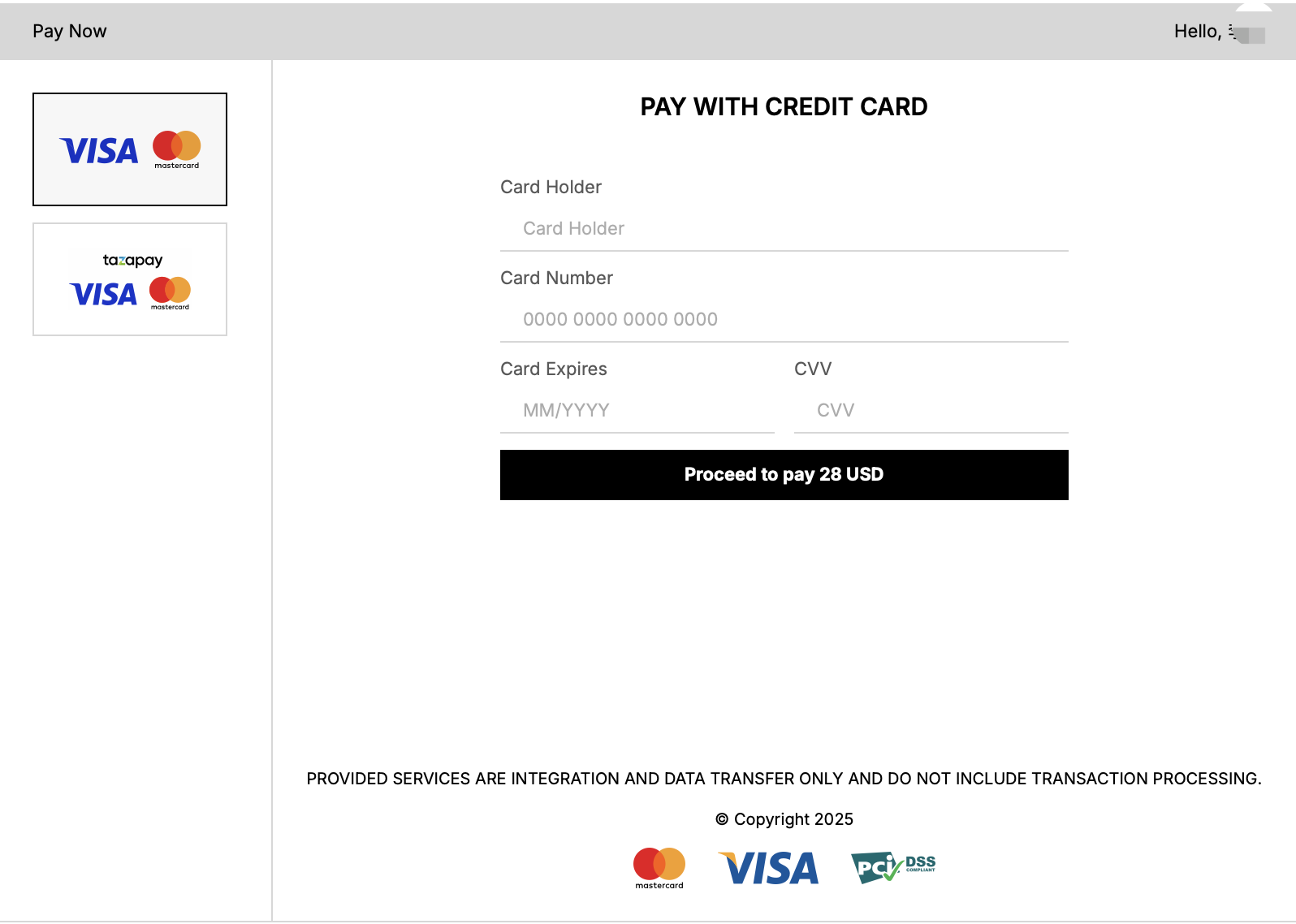
**5. 选择支付方式 - 继续支付**
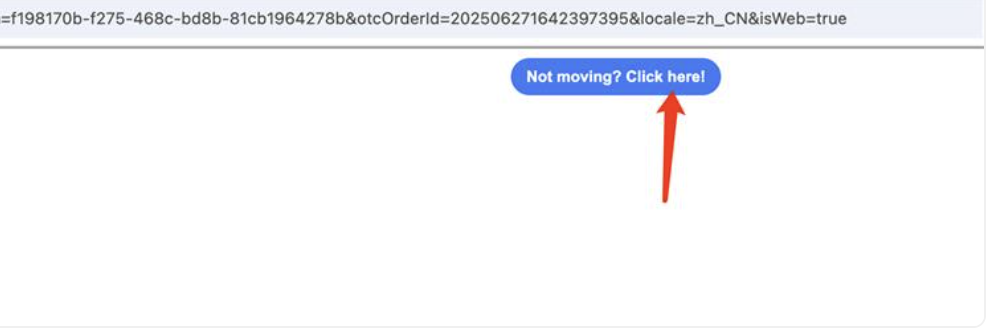
***(如果您看到此消息,是由于浏览器权限所致。点击图标继续支付。)***
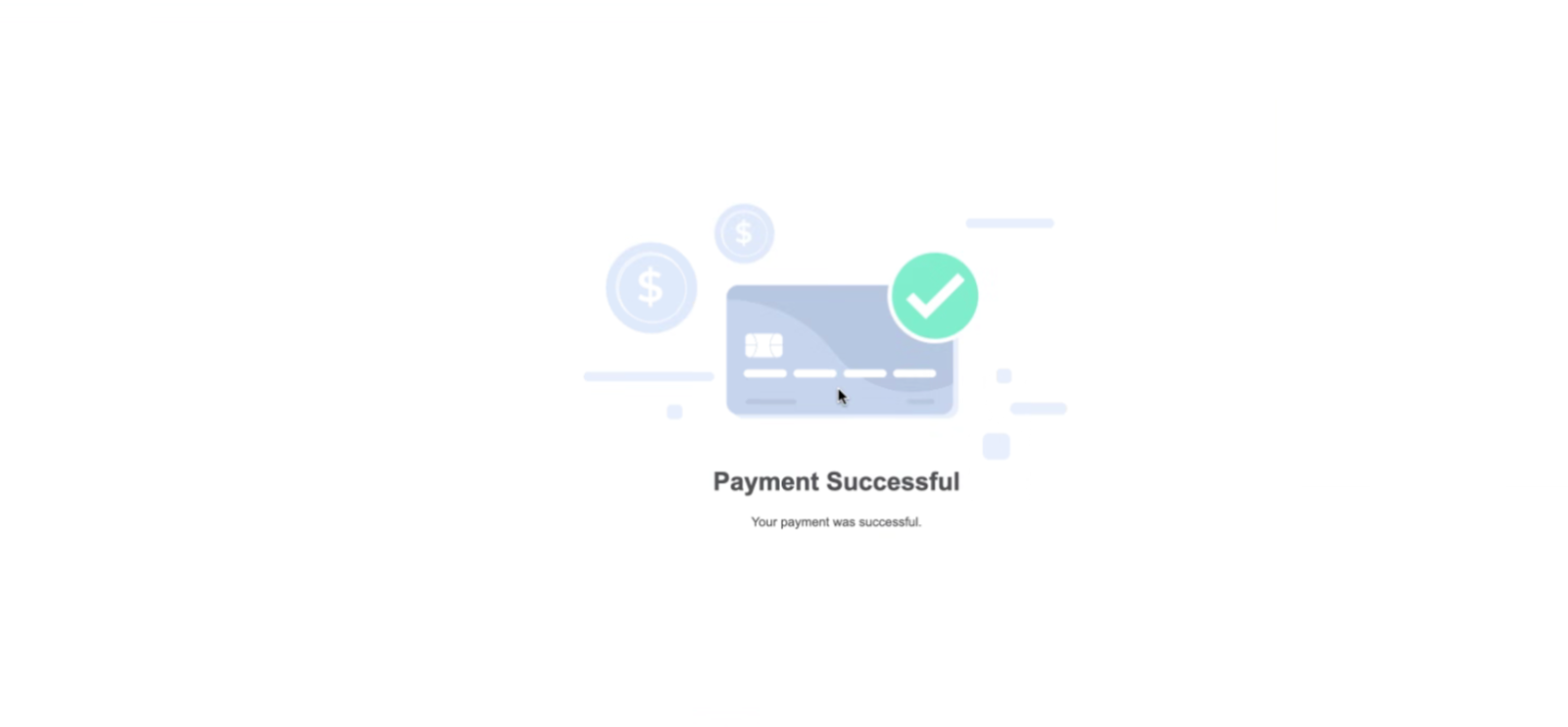
**6. 支付成功**
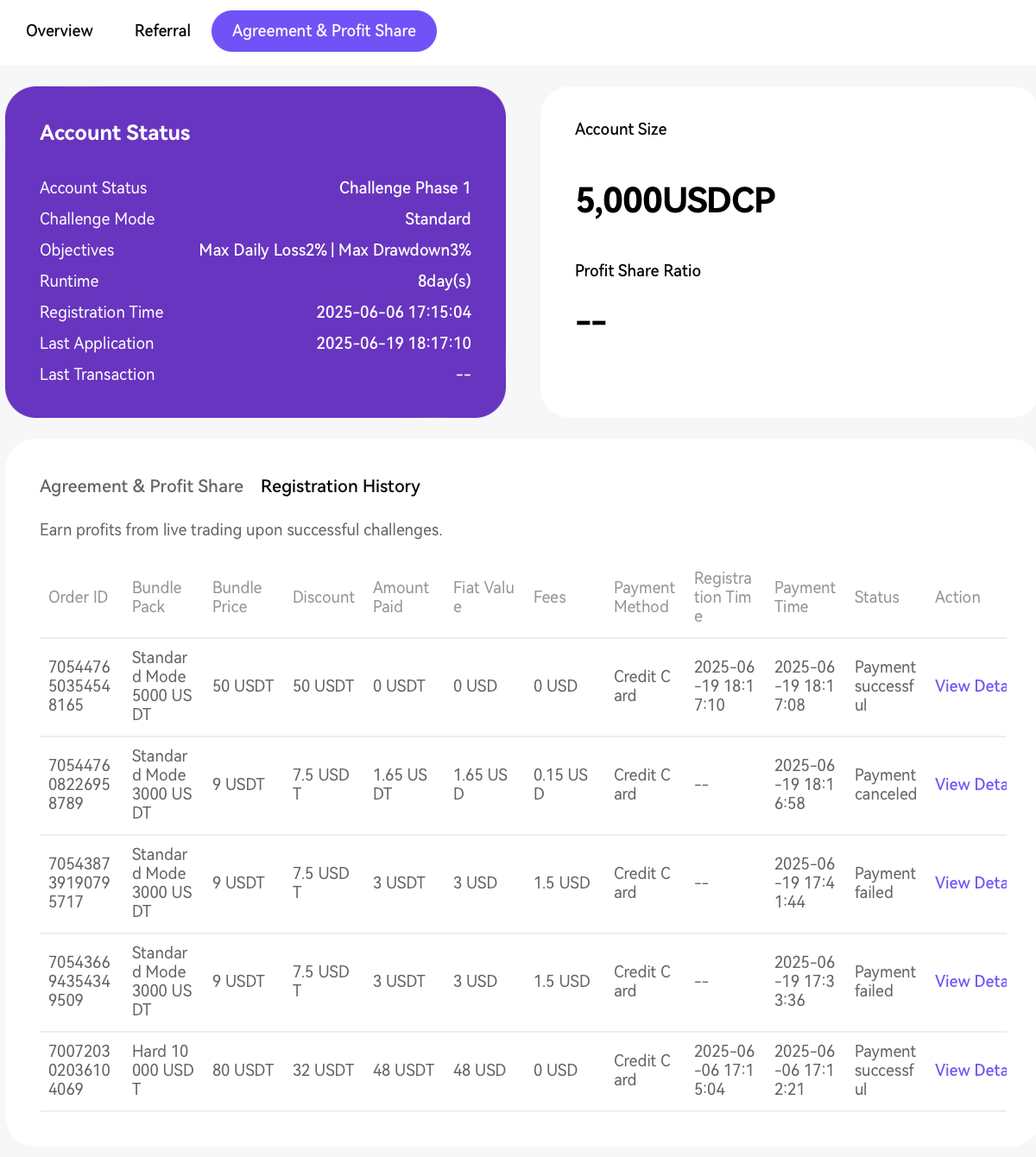
**7. 协议与利润分成 - 在 \[注册记录] 中查看支付详情**
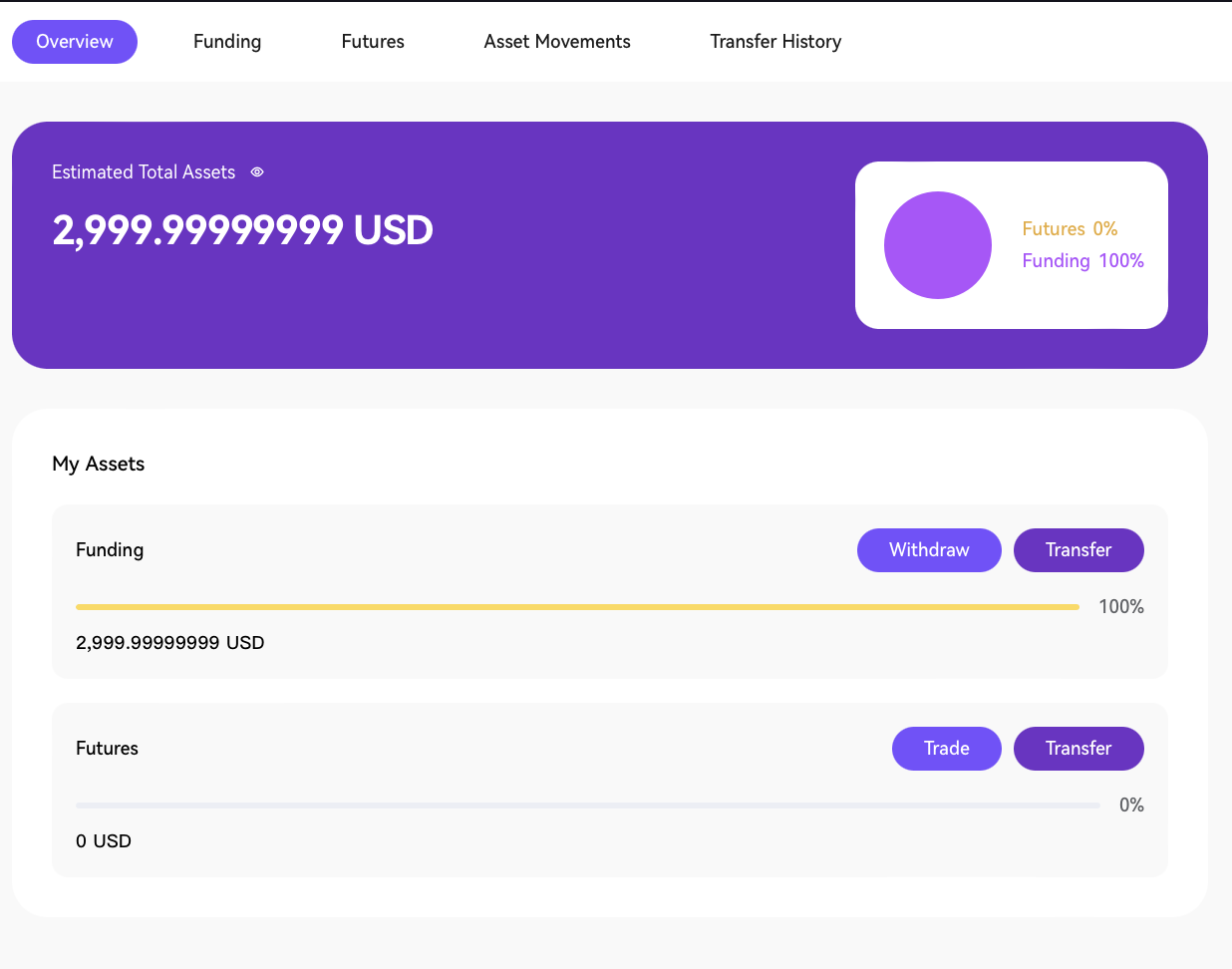
**8. 账户概览-转账资金并执行交易**
**如需立即协助,请联系:客服或电子邮件:** [**support@propw.com**](https://mailto:support@propw.com/)**. 我们重视您的反馈,以帮助我们改善您的体验!**
---
# Agent Instructions: Querying This Documentation
If you need additional information that is not directly available in this page, you can query the documentation dynamically by asking a question.
Perform an HTTP GET request on the current page URL with the `ask` query parameter:
```
GET https://docs.propw.com/help-center/help-center-zh/chan-pin-geng-xin/xin-yong-ka-gong-neng-zhi-nan.md?ask=
```
The question should be specific, self-contained, and written in natural language.
The response will contain a direct answer to the question and relevant excerpts and sources from the documentation.
Use this mechanism when the answer is not explicitly present in the current page, you need clarification or additional context, or you want to retrieve related documentation sections.