# 信用卡功能指南
**新手快速入門:如何體驗信用卡付款?**
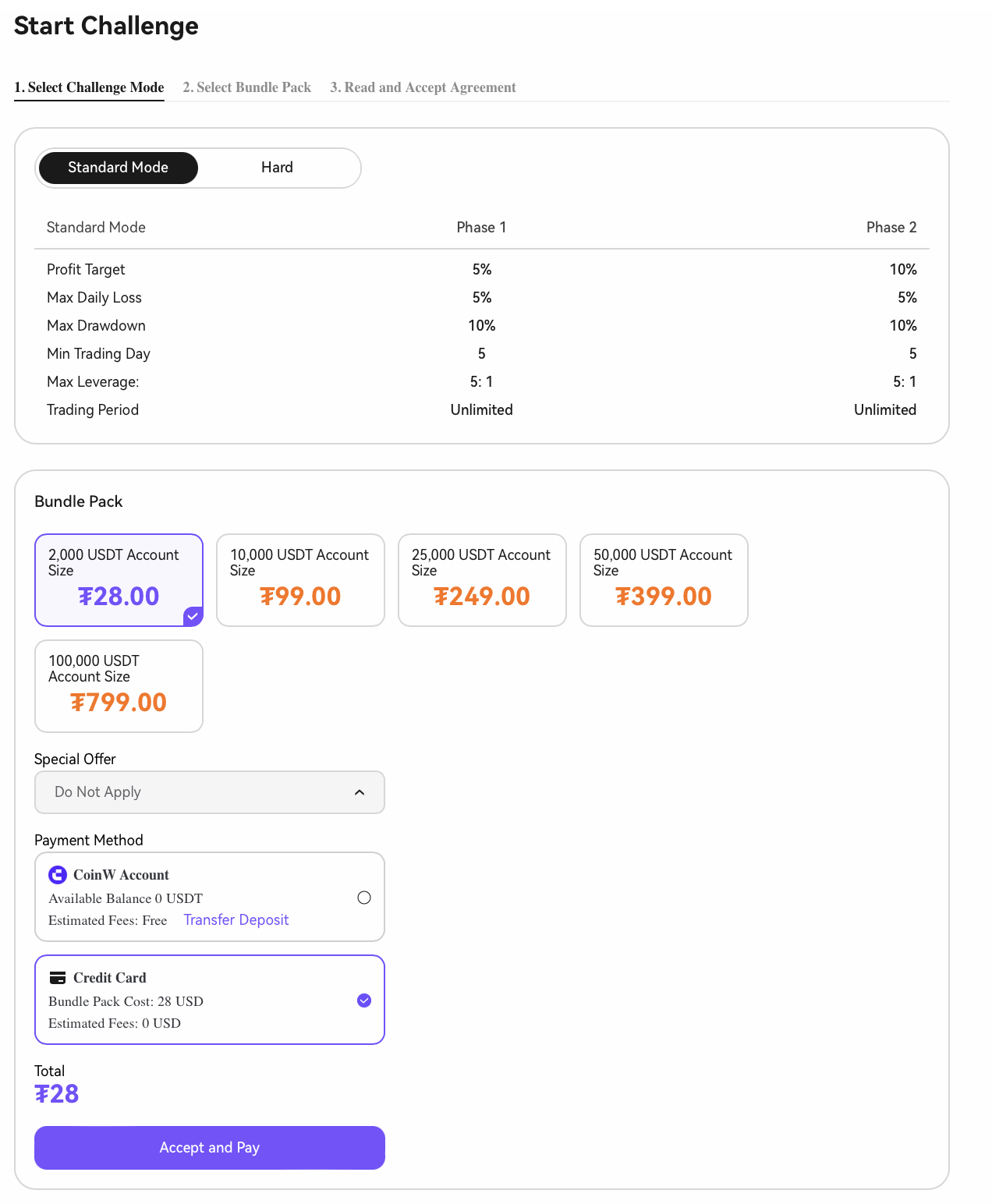
**1. 開始挑戰-啟動新的挑戰回合**
**2. 前往註冊頁面 → 選擇[信用卡]**
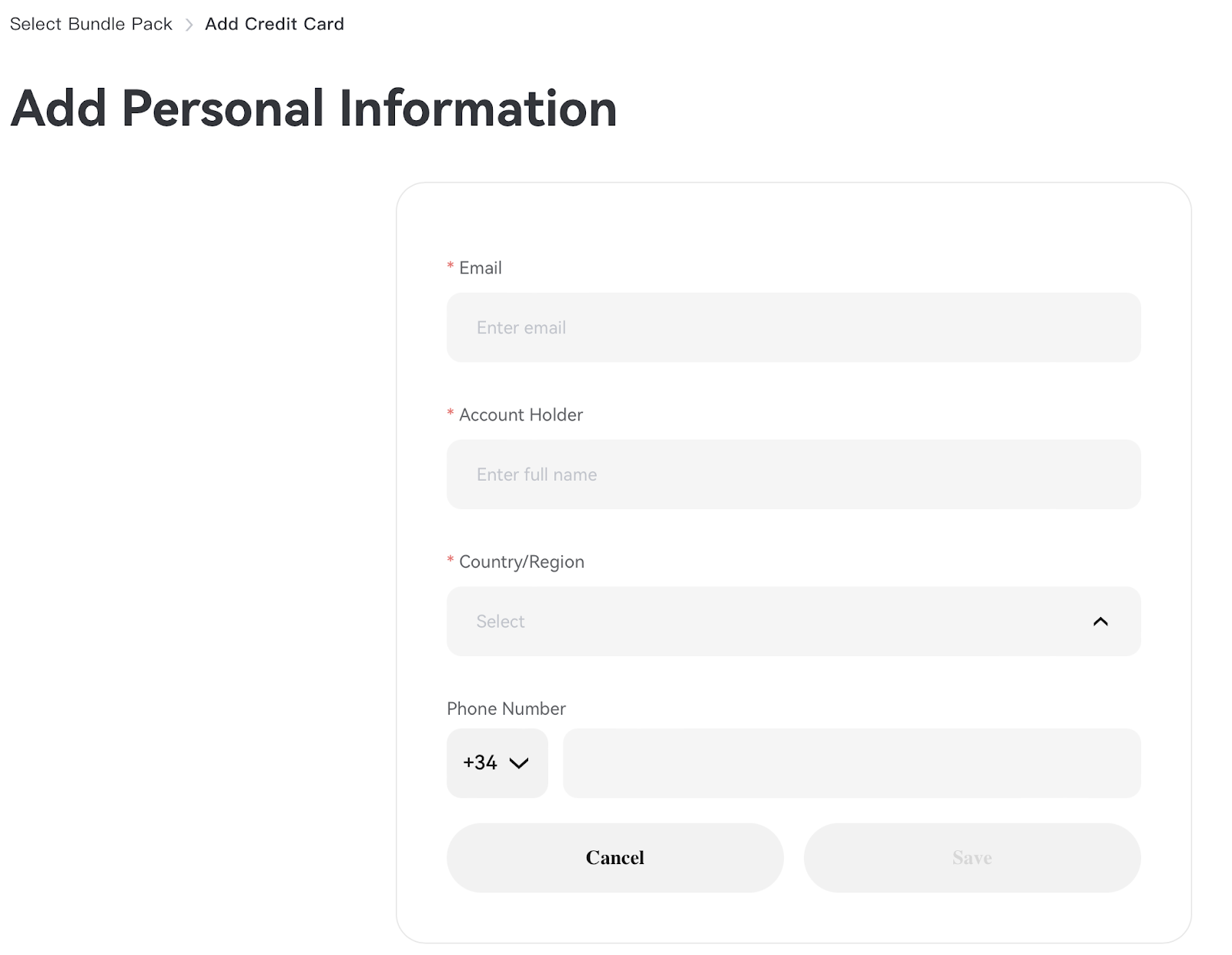
**3. 輸入個人資訊(*****僅首次綁定時需要*****)**
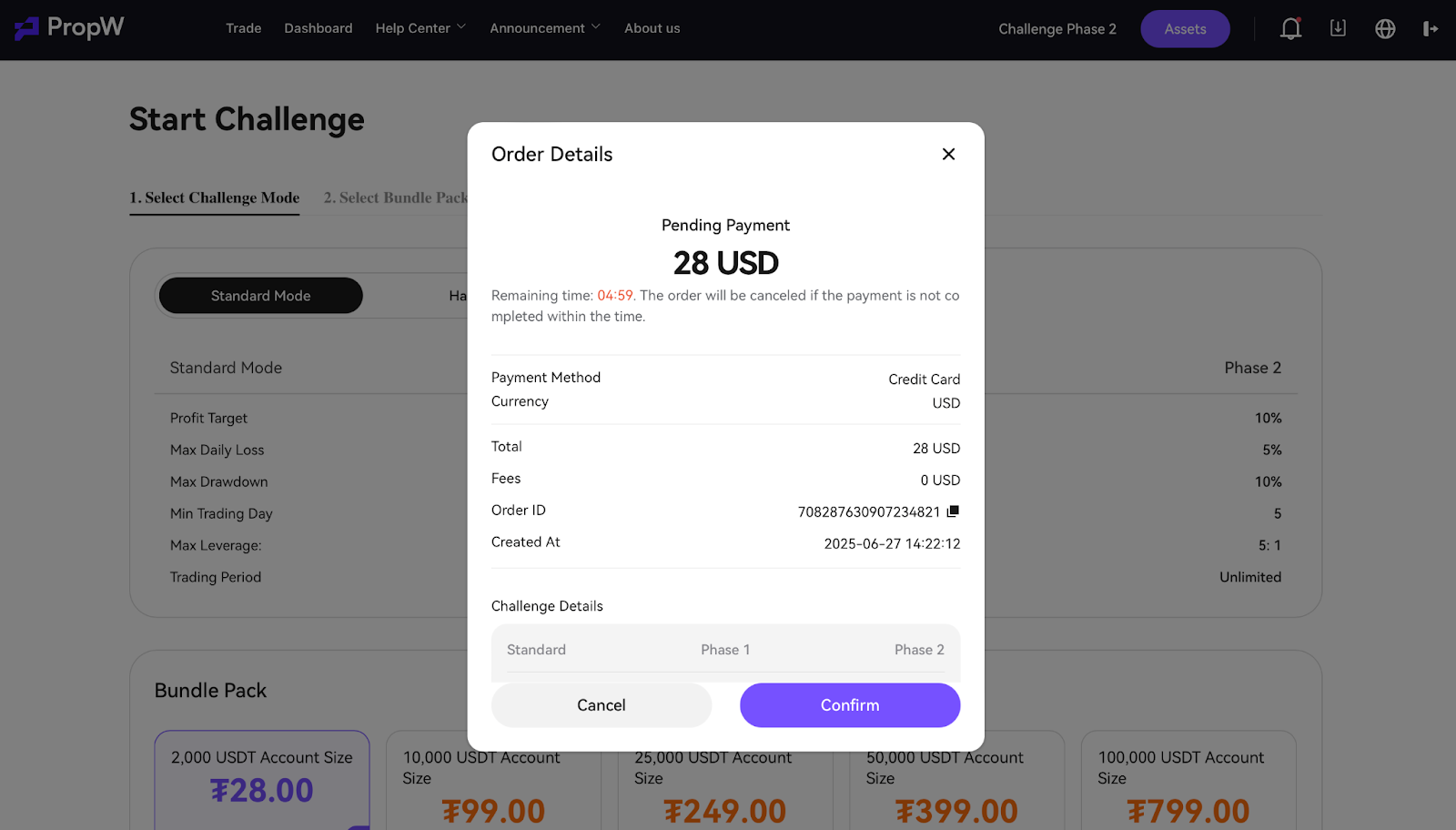
**4. 確認付款**
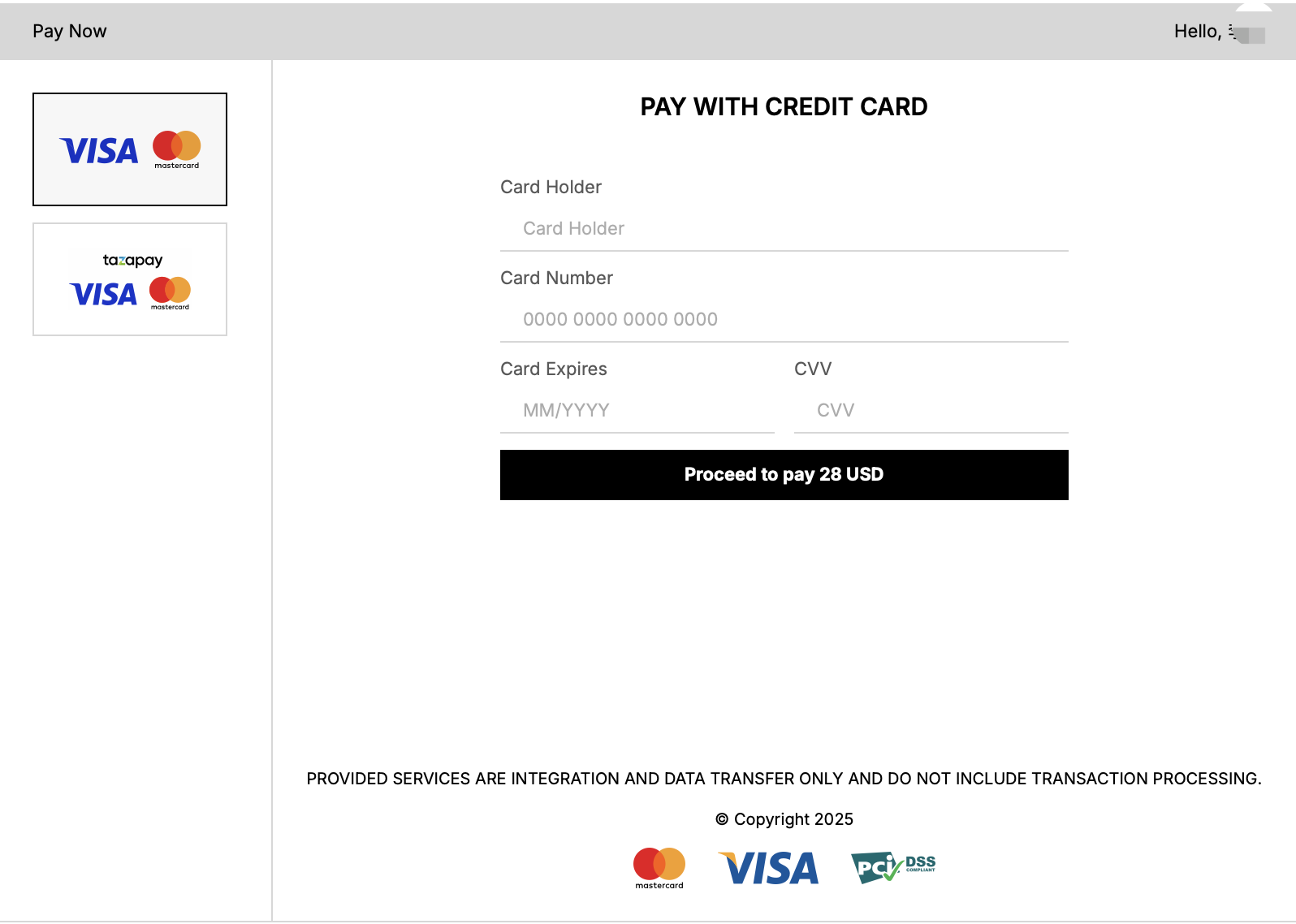
**5. 選擇付款方式-繼續付款**
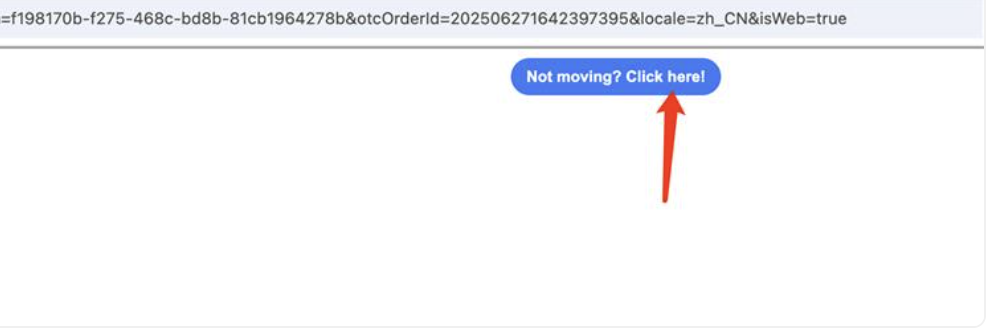
***(如果您看到此訊息,這是由於瀏覽器權限所致。點擊圖示即可繼續付款。)***
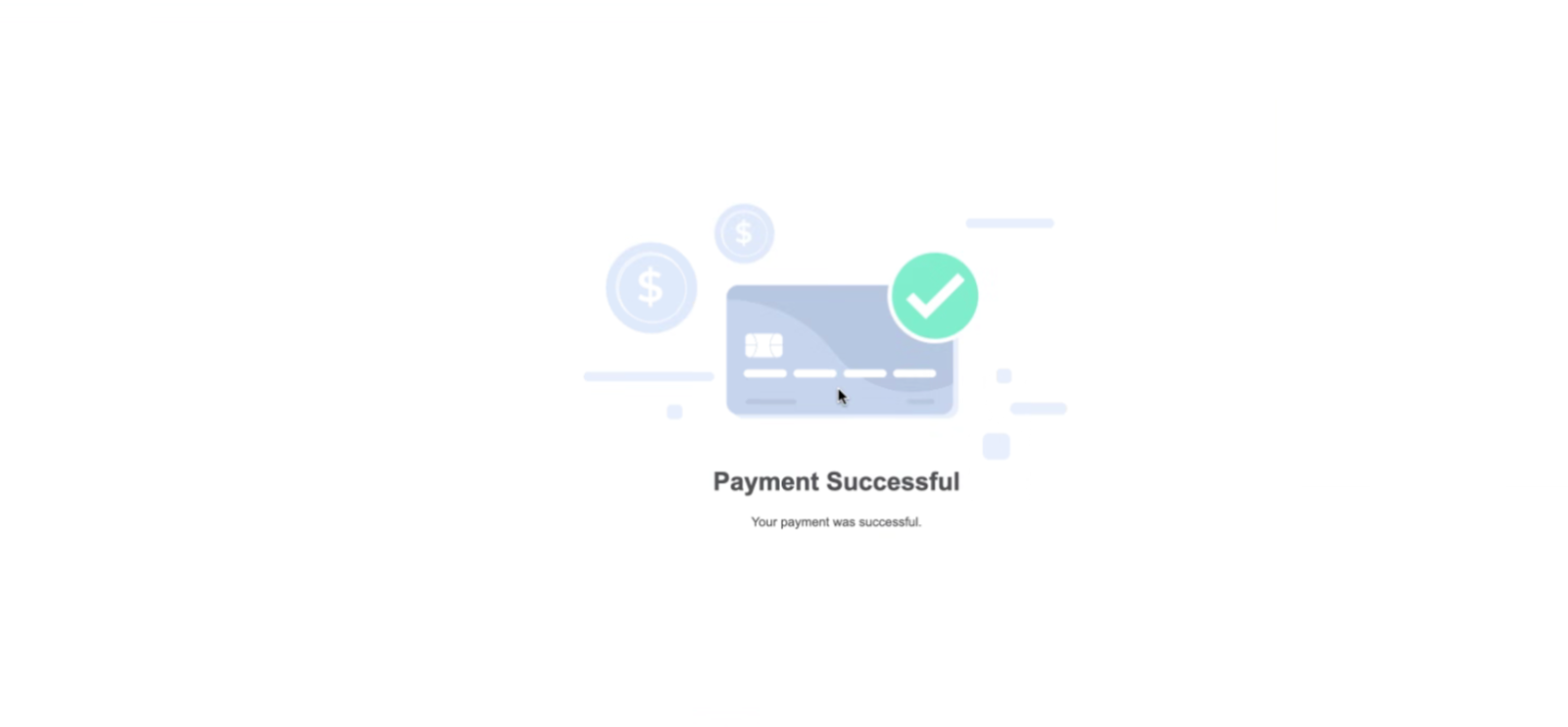
**6. 付款成功**
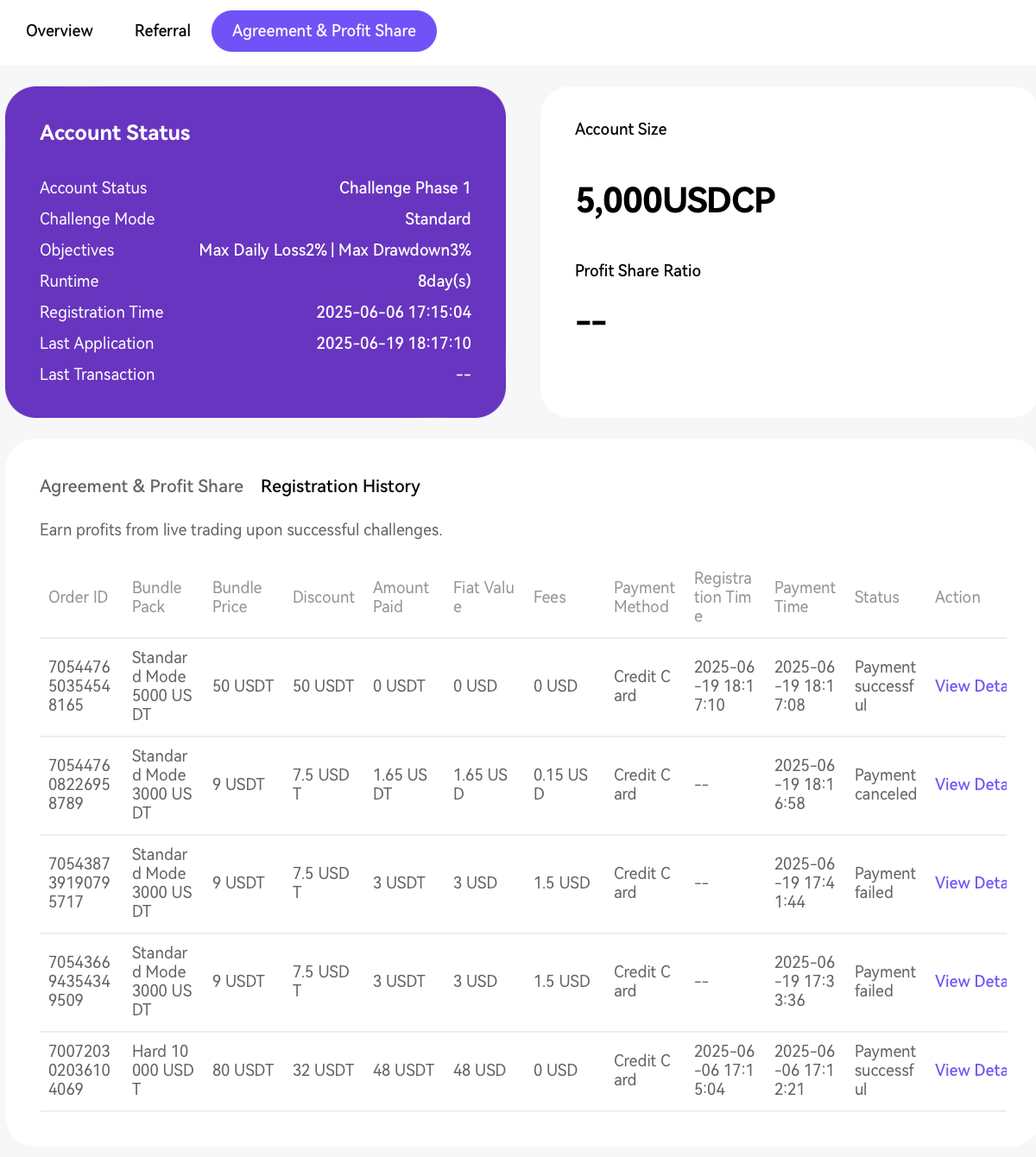
**7. 協議與利潤分成-在[註冊記錄]中查看付款詳情**
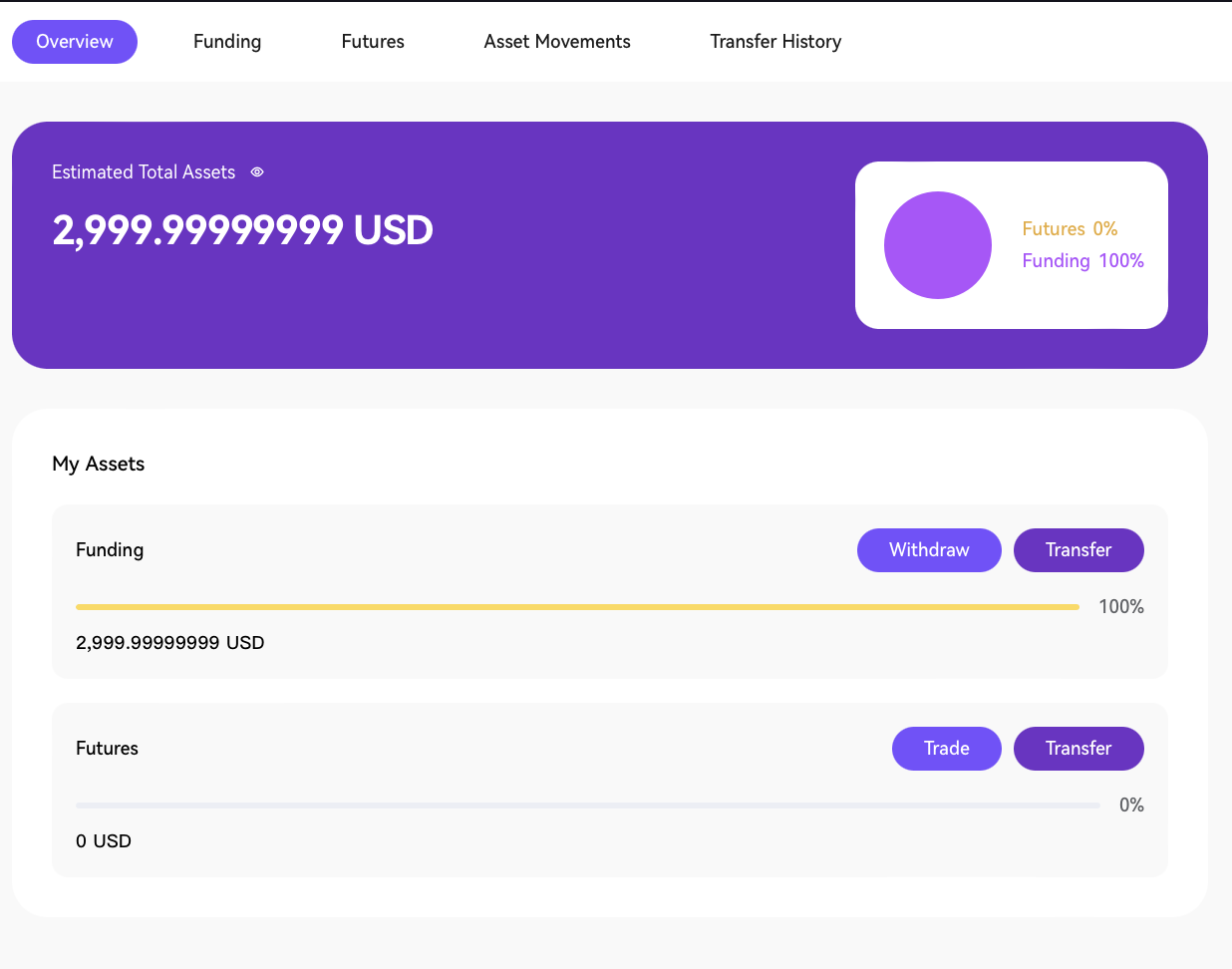
**8. 帳戶總覽-轉入資金並執行交易**
**如需即時協助,請聯絡:客服或電子郵件:** [**support@propw.com**](https://mailto:support@propw.com/)**。我們重視您的回饋,幫助我們改善您的體驗!**
---
# Agent Instructions: Querying This Documentation
If you need additional information that is not directly available in this page, you can query the documentation dynamically by asking a question.
Perform an HTTP GET request on the current page URL with the `ask` query parameter:
```
GET https://docs.propw.com/help-center/help-center-zh-tw/chan-pin-geng-xin/xin-yong-ka-gong-neng-zhi-nan.md?ask=
```
The question should be specific, self-contained, and written in natural language.
The response will contain a direct answer to the question and relevant excerpts and sources from the documentation.
Use this mechanism when the answer is not explicitly present in the current page, you need clarification or additional context, or you want to retrieve related documentation sections.